The checkout page is the last gate for conversion: whether you can ship there, how shipping is calculated, whether tax is included, and why a coupon won't work—get any one of these settings wrong and customers stall on this page and leave. This article covers it from two angles: backend settings and customer actions.
1. Seven Transaction Settings
| Setting | What it does |
|---|---|
| Deliverable countries | Checked off in groups by continent; if no country is selected, only the site's own country is allowed |
| Shipping fee | Free shipping (not calculated) or negotiate with seller (arranged separately, not calculated by the system) |
| Whether prices include tax | Excluding tax: tax is added on top; including tax: tax is extracted from the price |
| Invoice tax rate | A percentage, up to two decimal places; leave blank to use the country/region default rate |
| Tax ID label | The name of the tax ID field on checkout, such as RUT or VAT; defaults to “Tax ID” |
| Allow guest checkout | When disabled, customers must log in before checkout |
| Payment timeout (minutes) | Pending-payment orders are automatically cancelled on expiry and reserved stock is released; depends on the scheduled task |
Tax is calculated and snapshotted when the order is created; changing the tax rate later does not affect existing orders—this is the most confusing point during reconciliation.
2. Two Details About the Cart
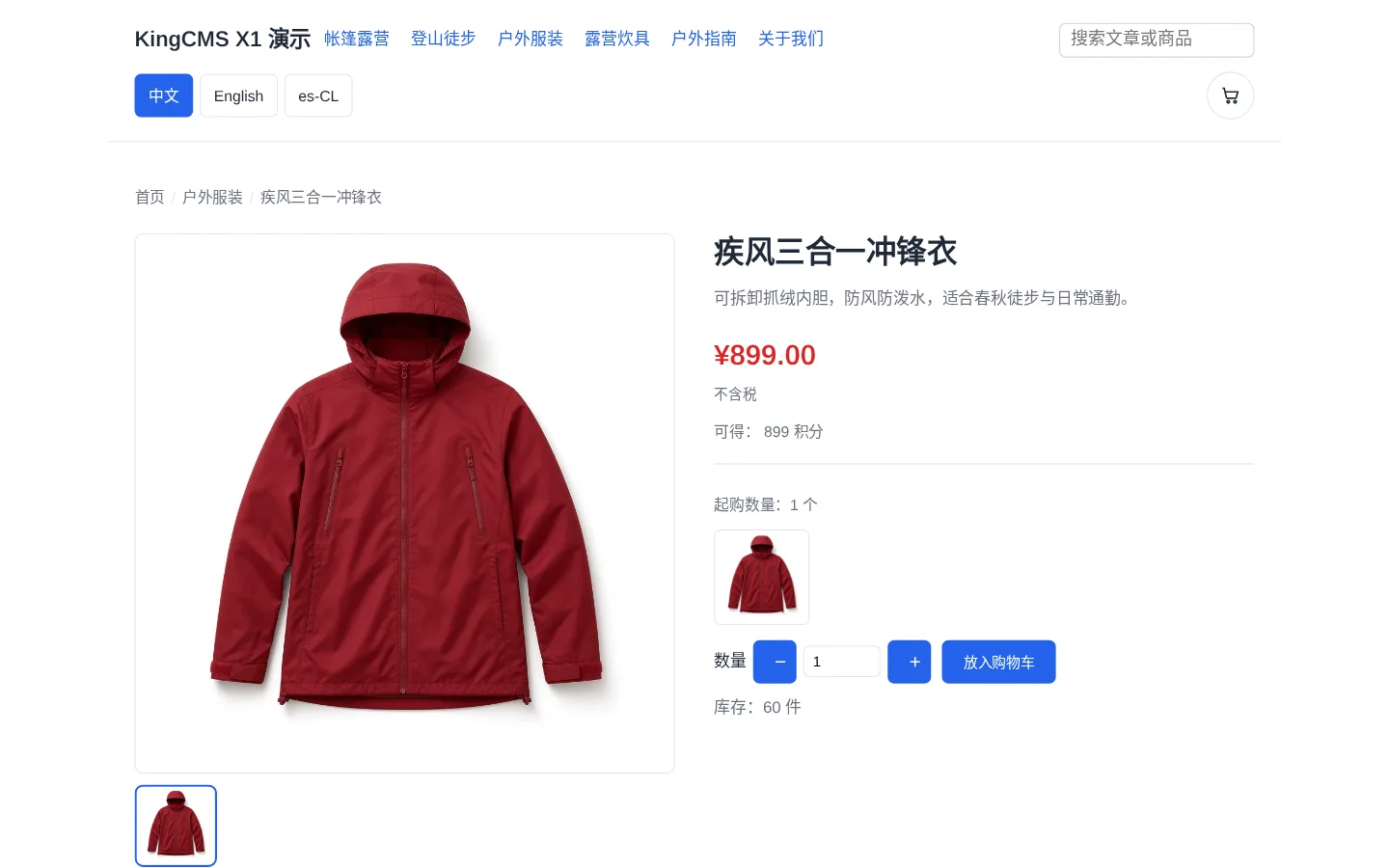
After choosing options on the product detail page, the quantity box shows the quantity already in the cart; 0 means it hasn't been added. Adjusting the quantity right on the detail page, or typing a number into the quantity box, writes the quantity to the cart immediately—no need to click “Add” again. Increases and decreases respect the minimum purchase quantity, step size, and stock limit. Changing the quantity in /cart updates the whole line automatically; clicking “Delete” removes the line.
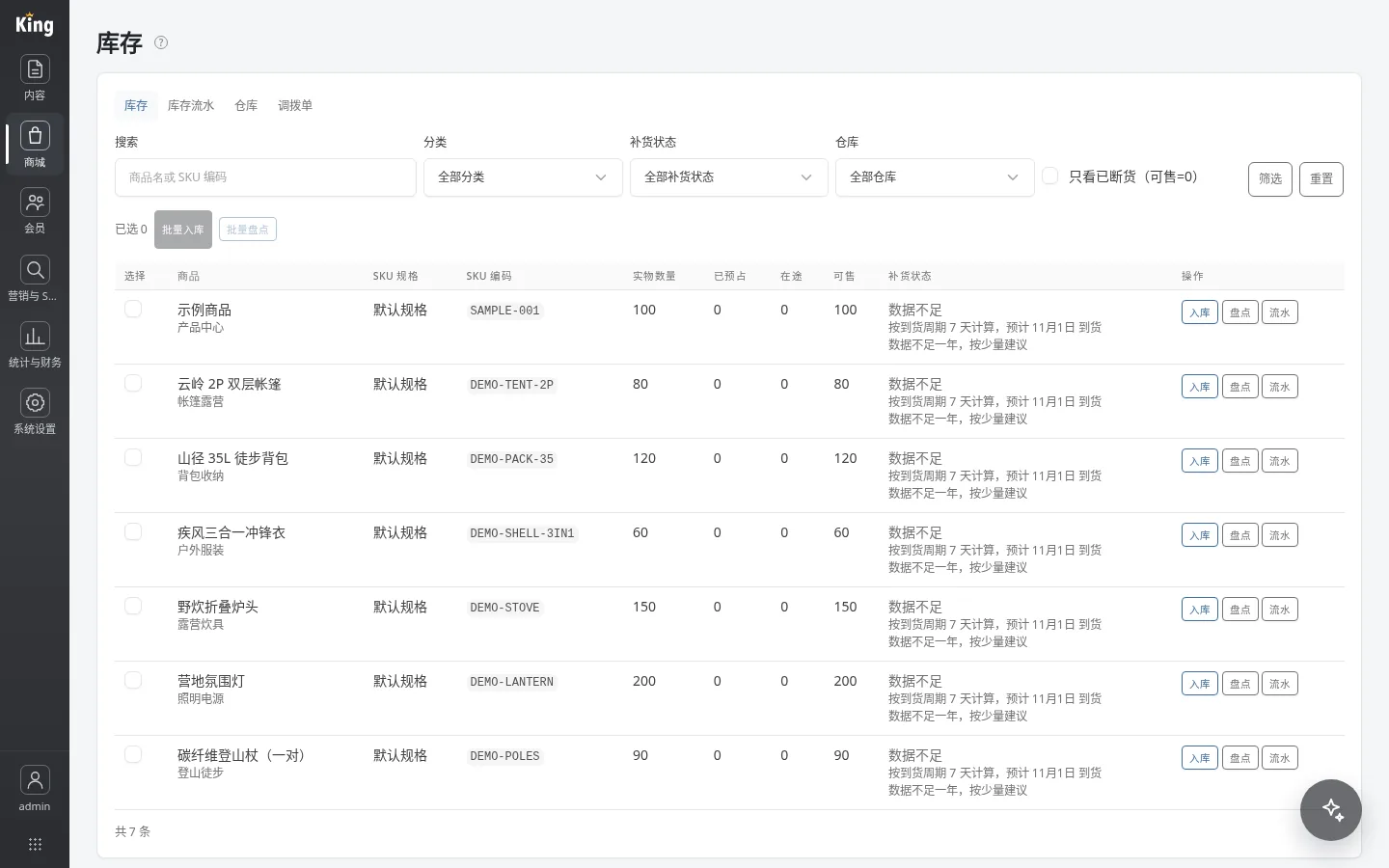
If a product is taken offline or a variant is disabled, that line shows as unavailable and must be deleted before checkout can continue; SKUs set to “reject when out of stock” show “Insufficient stock” beyond the sellable quantity, while SKUs set to “allow overselling” are unrestricted. The cart is identified by a cookie (kc_cart), valid for about 30 days; switching browsers or clearing cookies loses it.
3. How Coupons and Threshold Discounts Actually Work
- Coupon codes may contain only letters, digits, underscores, and hyphens, up to 64 characters; they are converted to uppercase on save, and customer input is case-insensitive.
- Discount type: a fixed amount, or a percentage (greater than 0 and no more than 100, up to two decimal places).
- Leaving the minimum spend blank or at 0 means no limit; blank start/end dates mean no limit, and the start cannot be later than the end; leaving the usage limit blank or at 0 means unlimited.
- Store-wide threshold discounts: both the spend threshold and the discount amount must be greater than 0; at checkout the subtotal is matched against the highest tier not exceeding the subtotal, and only one tier is applied; saving the same threshold again updates the existing amount.
- One use is locked in when the order is submitted; a coupon and a threshold discount that both apply can stack, but the total discount cannot exceed the order subtotal.
4. Invoices Are Recorded, Not Issued
On China sites, checking “Need invoice” lets the customer choose a general or special VAT invoice and enter the title and tax ID (required); special VAT invoices also need the bank name, account number, and invoice address. On other sites, customers enter the company name, tax ID, and invoice address. The information is saved with the order and visible in the backend order details.
The key point: the system does not issue invoices. Orders on China sites that requested an invoice show “Not invoiced”; only after an admin enters the invoice number and invoice date in the backend and clicks “Mark as invoiced” does it change to “Invoiced”. Also, tax is independent of whether an invoice was requested—any tax rate greater than 0 results in tax being calculated. Non-China sites still issue a receipt (Boleta) by default, and checking the invoice option only records company details.
5. Common Pitfalls
- A customer says you can't ship to them: the country isn't checked under deliverable countries, or the address country is out of range.
- A coupon is reported as invalid: check the start date, minimum spend, and usage limit, and remember the code is stored in uppercase.
- You changed the tax rate but old orders didn't change: tax is snapshotted at order time.
- Pending-payment orders hang around forever: check the payment timeout and the scheduled task.
- Assuming that saving invoice details issues the invoice: you must manually mark it as invoiced in the backend.
Summary
Checkout configuration boils down to three layers: whether they can buy (guests, countries, stock), how much they pay (shipping, tax, discounts), and how the invoice is issued (recording details + manual marking). Get these three layers right and let customers follow the prompts, and checkout abandonment drops noticeably.