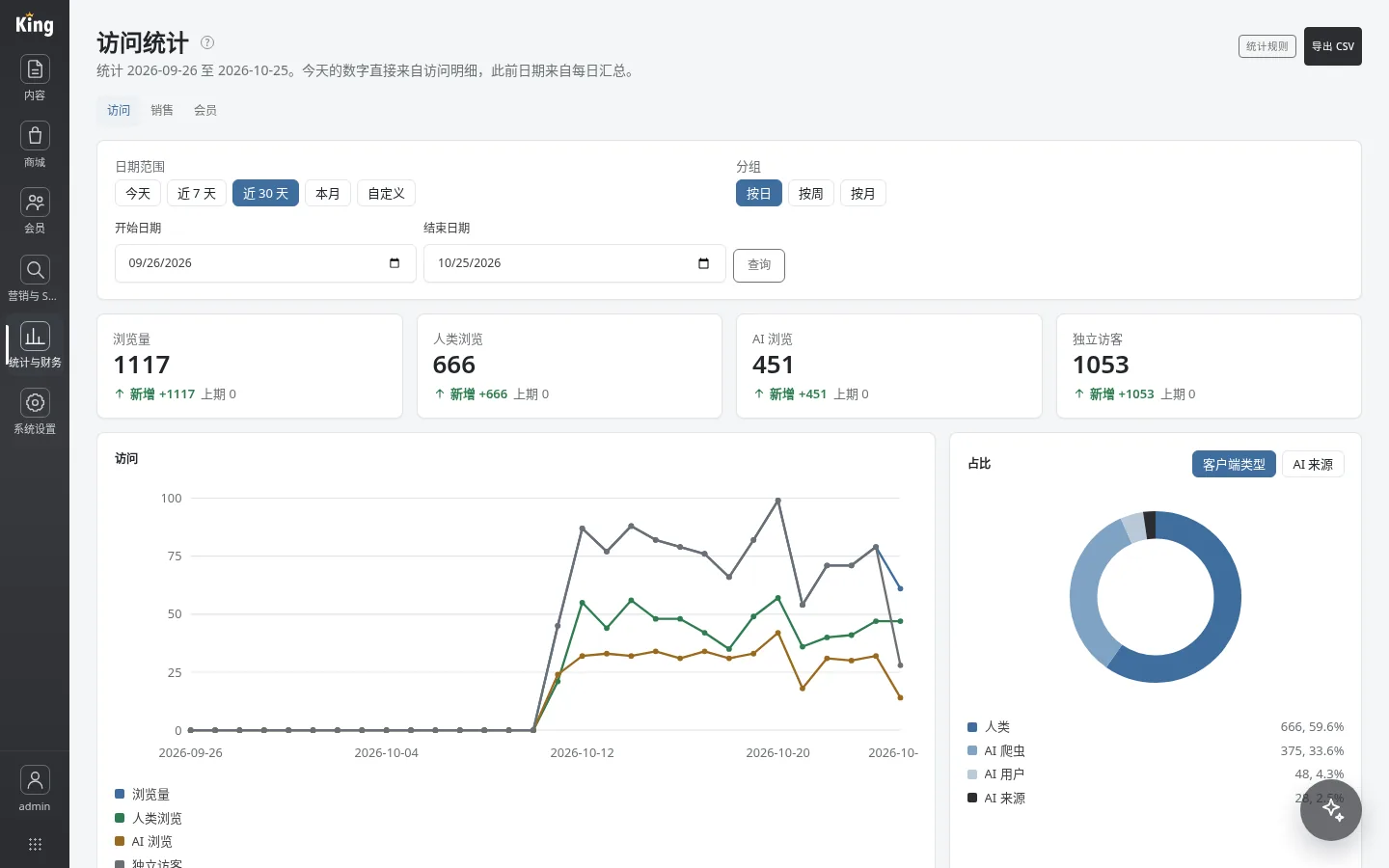
The stats page is prone to two common misreadings: treating page views as visitors, and treating profit figures as financial accounts. X1's traffic statistics have five tabs, each with a different definition. First clarify who the denominator is, then discuss rises and falls.
1. What Each of the Five Tabs Covers
| Tab | Definition highlights |
|---|---|
| Traffic | Page views, human views, AI views, unique visitors; use details for today, daily summary for completed dates |
| Sales | Order count, sales amount, payment method share; only paid/fulfilling/completed orders, grouped by order time |
| Profit | Sales amount − refunds − product cost − actual shipping; gross margin retains one decimal place |
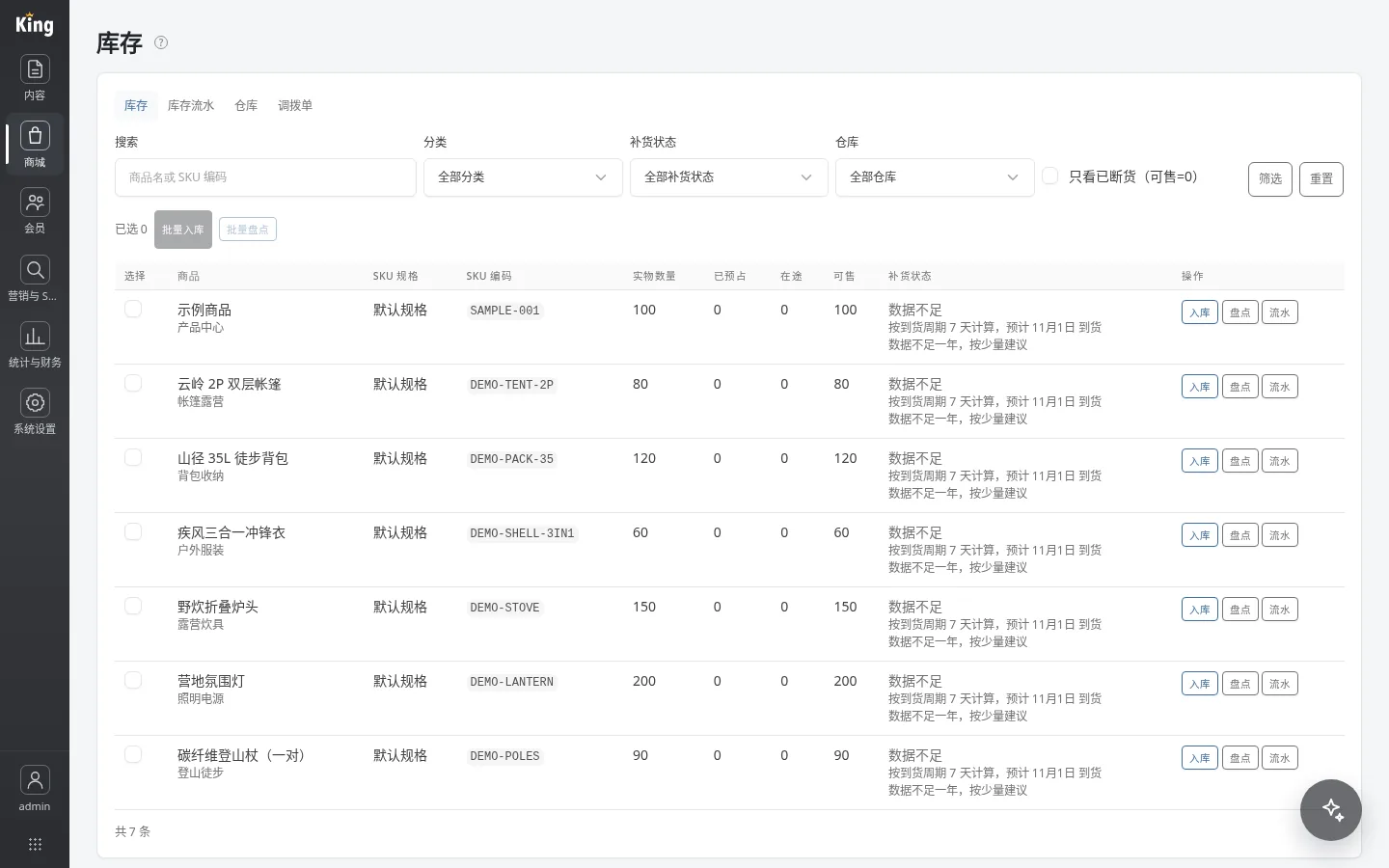
| Inventory analysis | Inventory turnover (30/90/365 days) and stale inventory (30/60/90 days), read-only |
| Members | New member count, grouped by registration time |
The "Sales" tab requires the product module, "Members" requires the member module, and "Inventory Analysis" requires both the store and purchasing to be enabled. When not enabled, the tab only displays an explanation; this is not a fault.
2. Why Visitor Count Is Much Lower Than Page Views
Unique visitors are deduplicated by hash, multiple views by the same visitor count as one; while page views are recorded on every visit. So "3,000 page views, 800 visitors" is normal; statistics are not missing.
More important: the stats module's scheduled task deletes raw visit details older than 90 days. Visitor counts can only be derived by deduplicating details, so dates older than 90 days no longer show visitor counts, while page views remain in the daily summary. When doing year-over-year comparisons, don't treat "visitor counts disappearing" as data loss.
3. Three Pitfalls in Profit Definitions
- Inconsistent inclusion timing: Cash orders use payment time; credit orders (without payment time) use order time; orders without payment time and with status pending payment or cancelled are excluded, all others are included.
- Refunds and returns are deducted separately: Successful refunds are included by the refund record's update time; customer returns use the return time, deducting sales amount using the return line's transaction unit price and deducting the corresponding product cost at the same time.
- Unfilled costs inflate profit: When an order line's cost is 0, the page shows "Cost not filled", and gross profit is too high.
The formula is: gross profit = sales amount − refunds − product cost − actual shipping; gross margin = gross profit ÷ (sales amount − refunds) × 100%. Note that the denominator is sales after deducting refunds, not original sales.
4. Inventory Turnover and Stale Inventory
Turnover count = outbound cost ÷ average inventory value; inventory days = period days × average inventory value ÷ outbound cost. Average inventory quantity is averaged from each day's ending inventory within the period. Inventory transactions do not record cost, so average inventory value is estimated using "average quantity × current cost"; there will be deviation when costs change significantly.
The list defaults to sorting by turnover count from slowest to fastest; click column headers to change direction; items without average inventory value show "—" and are sorted last. Stale inventory refers to products that currently have inventory and have neither outbound transactions nor sales during the period. They are sorted by inventory value from high to low, with the total at the top. Products with zero cost are marked "Missing cost", and turnover and days are inaccurate.
5. Which Visits Are Recorded
Only frontend responses that meet all three conditions are written to details: the request is GET, it is not an htmx partial refresh, and the path is not in the system exclusion scope (backend, static assets, etc.). This is also why backend operations do not pollute frontend data.
6. FAQ
- Just enabled and no data: Recording starts only when enabled; history is not backfilled.
- Only today has numbers: The scheduled task has not run, and completed dates lack daily summaries.
- Export: The Traffic, Sales, Profit, and Members tabs all support exporting CSV for the current range.
- Changed stats rules: Only affects subsequent records; already collected statistics are not recalculated.
Summary
Before looking at statistics, ask three questions: Who is the denominator for this number, what time is it grouped by, and is there a 90-day detail boundary? Page views are not visitors, gross profit is not bank deposits, and inventory turnover depends on cost data—remember these three sentences, and you won't be led around by the numbers.