Support conversations often contain the most valuable customer information: who is asking, what they are asking about, what the budget is, and where they are stuck. But if the window is closed as soon as the chat ends, this information stays only in the chat history; sales cannot see it, and the next follow-up starts from zero. X1's support module offers a simple way: convert conversations into leads or follow-up records.
1. Where conversations are
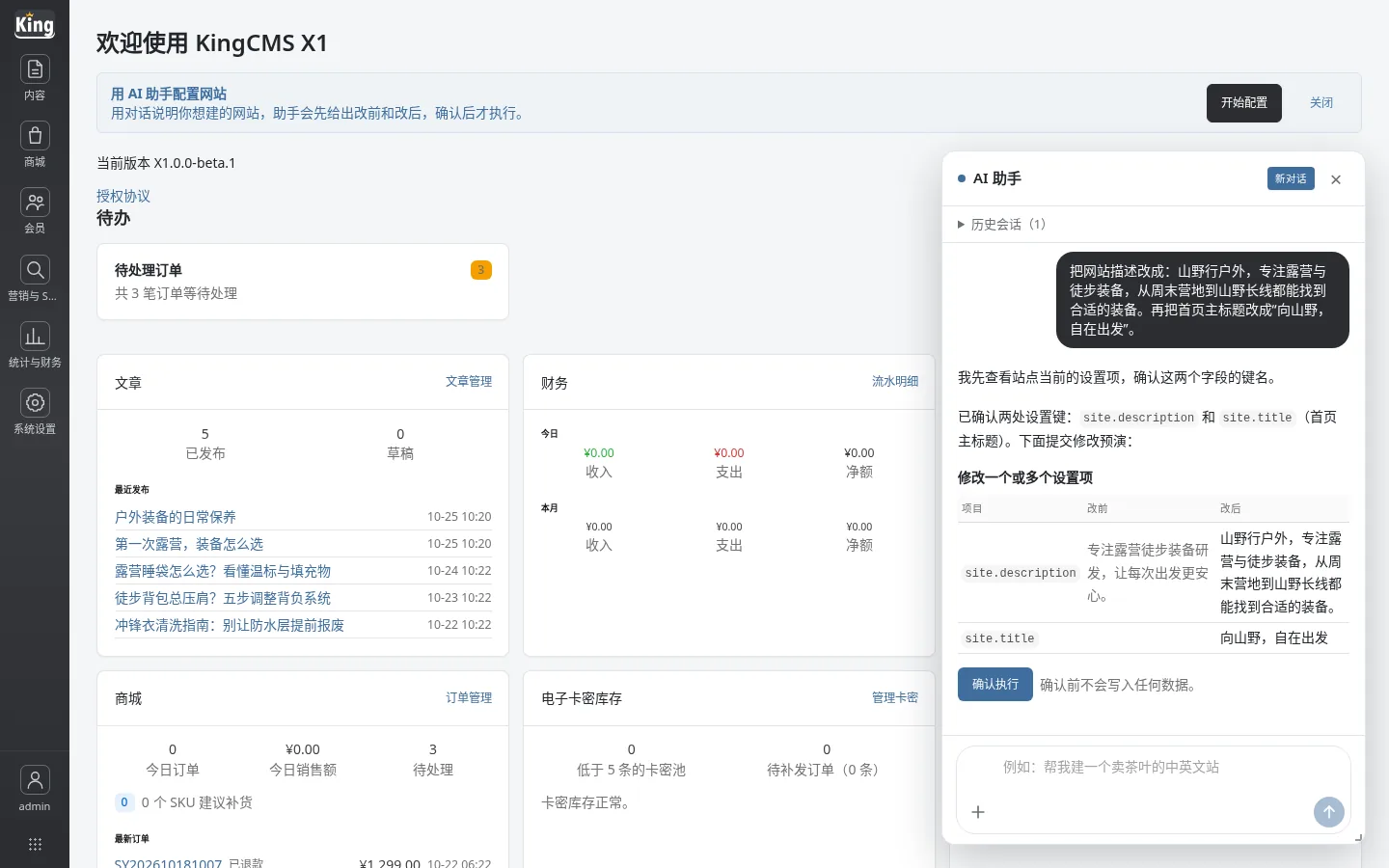
The backend “Support → Conversations” (/admin/support) centralizes frontend support conversations, member conversations, and messages from the WhatsApp channel. The list can be filtered by status, assigned to colleagues, quick replies can reduce repetitive input, and conversation records can be exported; handled conversations can be archived, and duplicate conversations can be merged.
For the WhatsApp channel, you need to complete the app, business account, token, and Webhook configuration on the Meta side, then return to the backend “Settings → Notifications → WhatsApp” to save the parameters. After the access token and app secret are saved, they are no longer displayed in plain text; leaving them blank means keeping the original value. Do not paste tokens into chats or tickets.
2. Convert visitor conversations into leads
To convert a visitor conversation into a lead, the visitor must have left an email address. After executing “Convert to lead” on this conversation in the backend, the system will:
- Look for an existing lead by email; if one exists, reuse it and do not create a duplicate;
- If none exists, create a new lead and write the conversation number and backend link into the notes;
- Notes can be up to 2,000 characters, and the conversation transcript includes at most 20 messages, to avoid stuffing the entire chat into the notes.
This means support staff do not need to manually copy chat logs; when sales open the lead, they can return to the original conversation to verify context. Email is required: if the visitor did not leave an email, conversion to a lead will be rejected. This is to avoid creating “fake leads” that cannot be contacted.
3. Convert member conversations into follow-up records
If the conversation comes from a logged-in member, it follows another path: it is converted into a customer follow-up record instead of creating a new lead. Follow-up content is limited to 1,000 characters and is likewise linked to the conversation number and backend link. This way, the member's historical orders, points, after-sales records, and this communication can be viewed together.
4. Why not do automatic conversion
The conversion action is explicitly triggered in the backend and is not executed automatically. The reason is practical: not every conversation is worth entering into CRM. Automatic conversion would turn inquiries, price comparisons, and accidental clicks into leads, and sales would quickly stop looking at them. Only when a person judges that “this one is worth following up” does conversion make sense.
In addition, conversion is restricted by administrator permissions and data scope; accounts without the corresponding permissions cannot see the entry point and cannot convert conversations to another salesperson beyond their authority.
5. Implementation suggestions
- Define the rules first: only convert conversations where the visitor asked about price, requested a proposal, left contact details, or explicitly said they would “think about it”;
- Support staff should clear unhandled conversations once before leaving work each day: convert those that should be converted and archive those that should be archived;
- After a lead is converted, assign it to sales and clearly write the next action and timing in the notes;
- For WhatsApp conversations, pay attention to the 24-hour window: beyond the window, you must use a message template to reply proactively and cannot send ordinary messages directly.
6. Common blockers
- The convert-to-lead button is unavailable: first confirm whether the visitor left an email; without an email, a lead cannot be created;
- Cannot find the conversation: it may have been archived or merged, or the account's data scope may not allow you to see it;
- WhatsApp reply fails: beyond the 24-hour window, you must use an approved message template and cannot send ordinary messages directly;
- For token-type settings, it is normal for the input box to be empty after saving; submitting it blank means keeping the original value.
Summary
The support module's way of solving “it scatters once the chat ends” is not to add fields, but to turn conversations into leads or follow-up records and keep a backlink. Support handles the judgment, the system handles the record-keeping, and sales receives leads with context rather than a chat log they have to read through again.